Previous Session
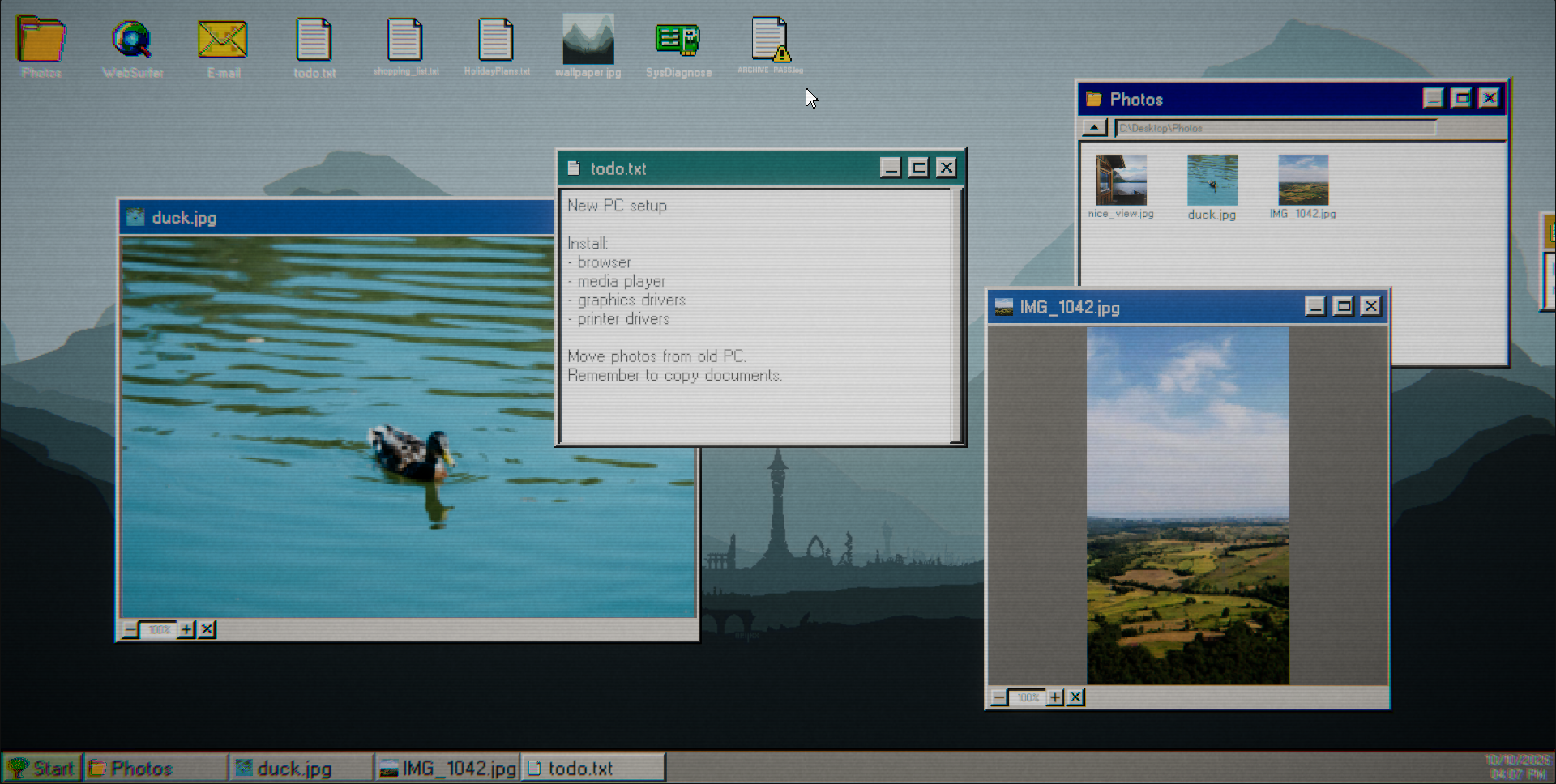
You just bought a second-hand computer. The seller promised it had been wiped clean, but something doesn't add up. Old user accounts remain, encrypted files are scattered across the system, and strange clues seem to have been left behind by someone who knew something was wrong.
As you explore the computer, an unfamiliar presence begins to take notice of you. Why does it need your help? What is actually hidden on this PC? Solve riddles and puzzles to find out.
WALKTHROUGH
Walkthrough
Login screen
User password is found in notepad when you scroll down or resize - q1w2e3r4t5.
System Diagnose Error
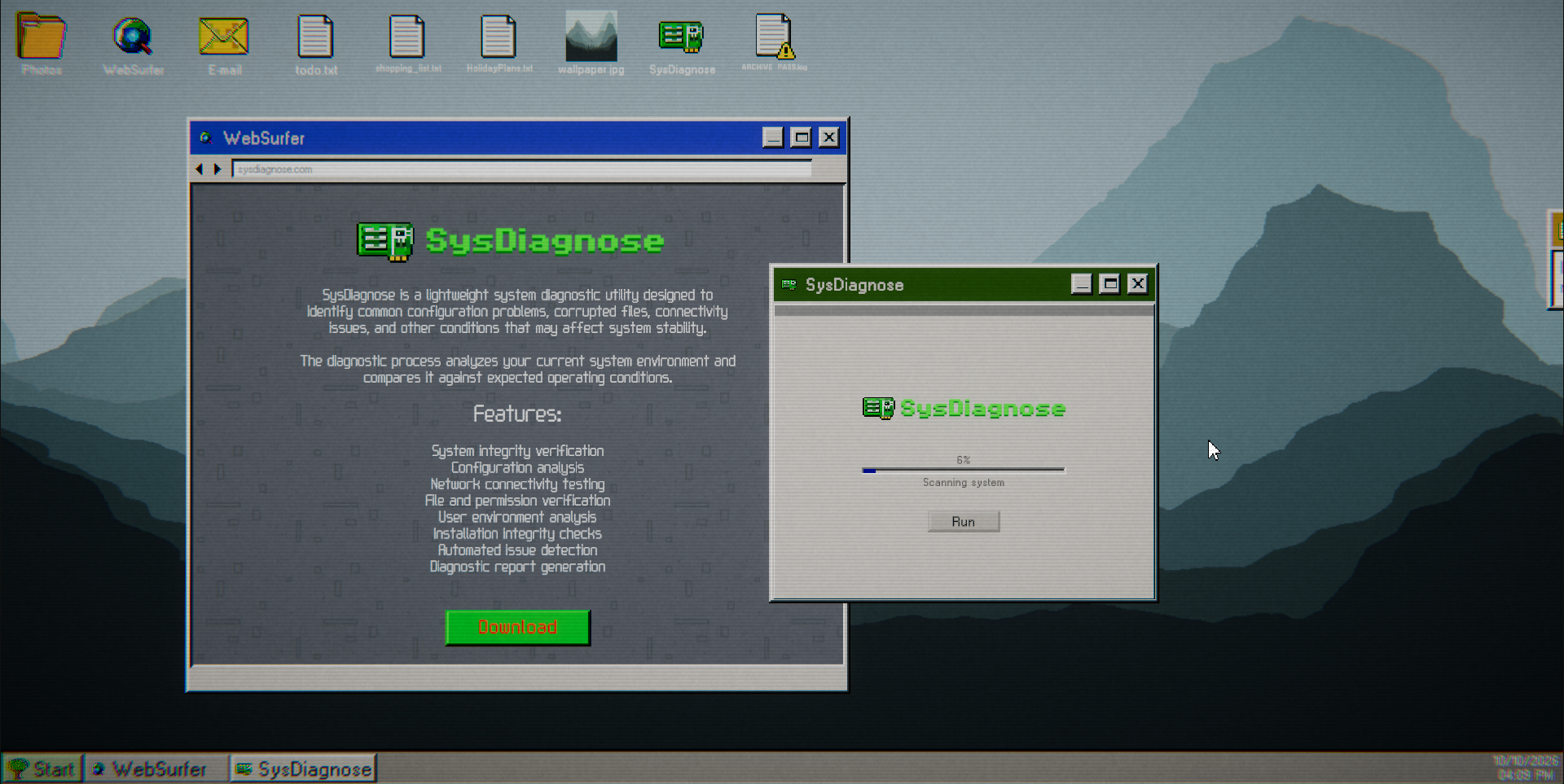
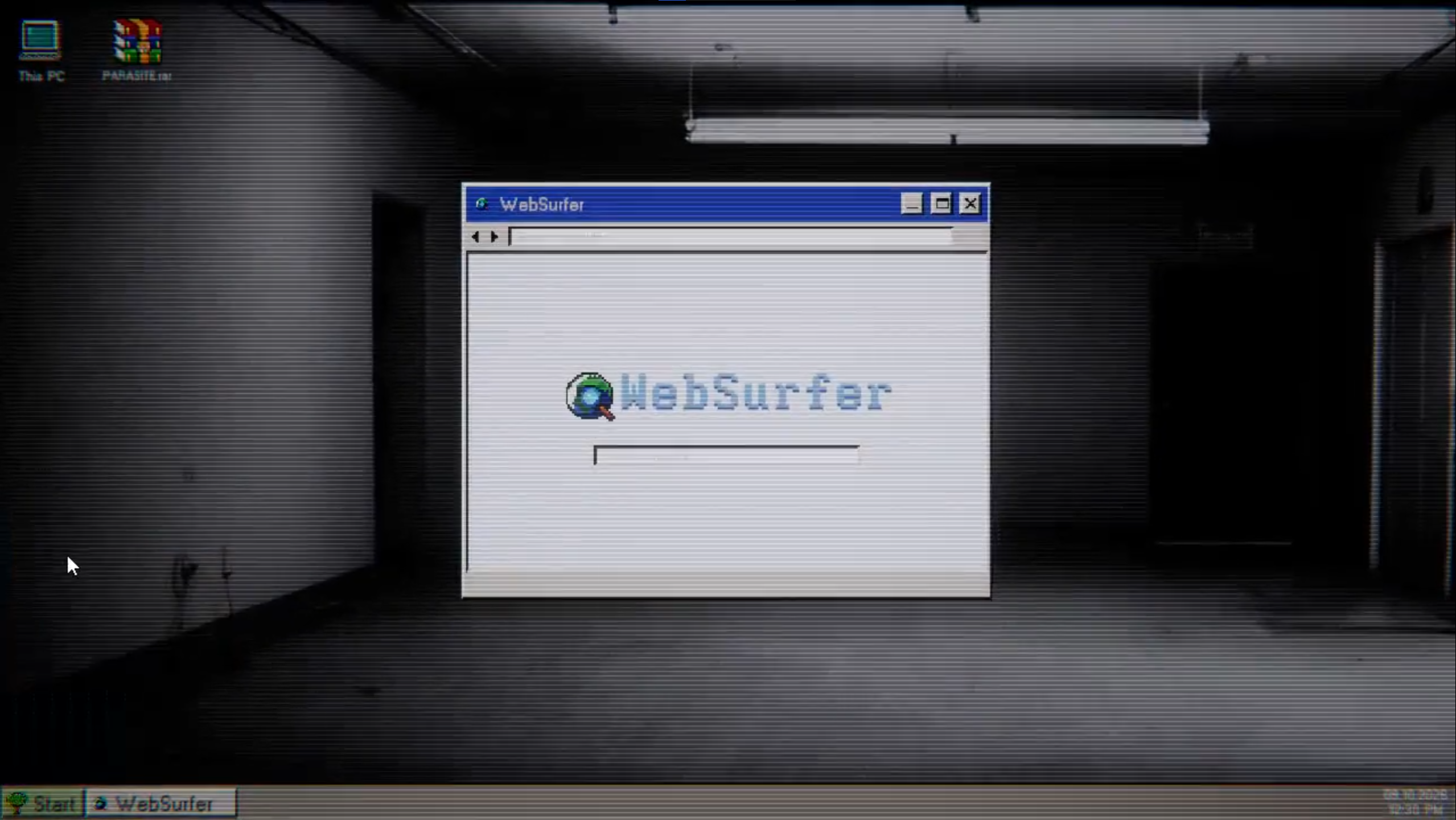
After error popup, go to WebSurfer browser and search for "system diagnose", or just any of the keywords "system" "sys" "diagnose".
SysDiagnose
After downloading the installer, open it and proceed, accept the terms and wait. Then open the new app on your Desktop and hit Run.
ARCHIVE_PASS.log
When you right click on the icon, you can go to properties. Then the version is your password.
Archive login
Click the start button, then log out. In login screen click "Log in as other" and type the "ARCHIVE" and "MORNINGSTAR".
Archive's Desktop
Look for the wallpaper file, something's different there than on actual wallpaper.
Favorite folder
Enter the hidden word found in wallpaper image - "INSANITY".
Favorite folder
Enter the hidden word found in wallpaper image - "INSANITY".
SCREAM
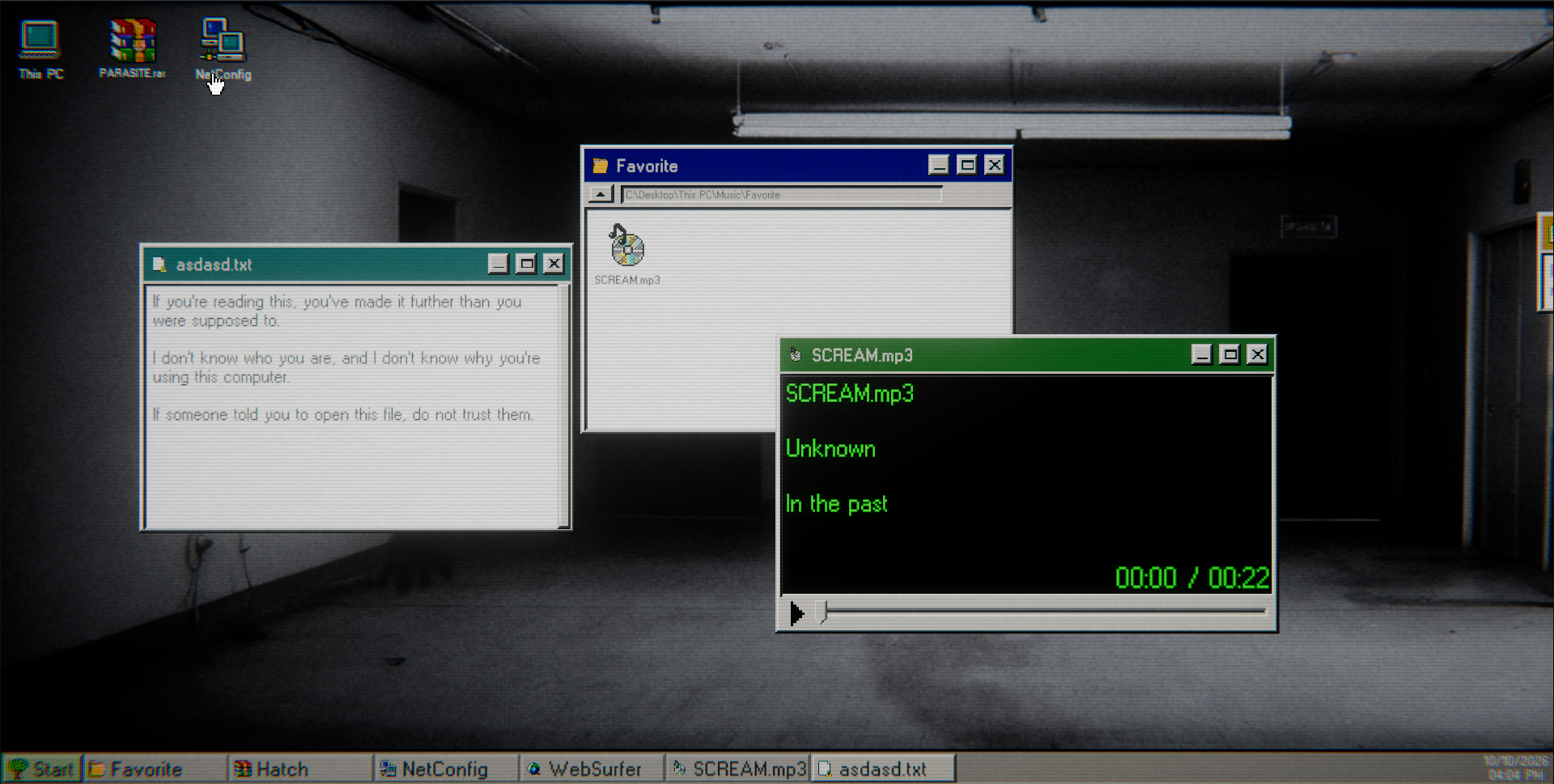
Listen to the audio and write down the morse code. In browser you can just type morse and it will show you the chart. Decode it.
Hidden word
The word was "INFEST". Is is worth checking file properties for clues on what to do with it.
PARASITE
As you might notice PARASITE.rar is the only thing left to do right now, so it probably needs the word. Thing is you have to change the "INFEST". Check file properties.
Inside PARASITE
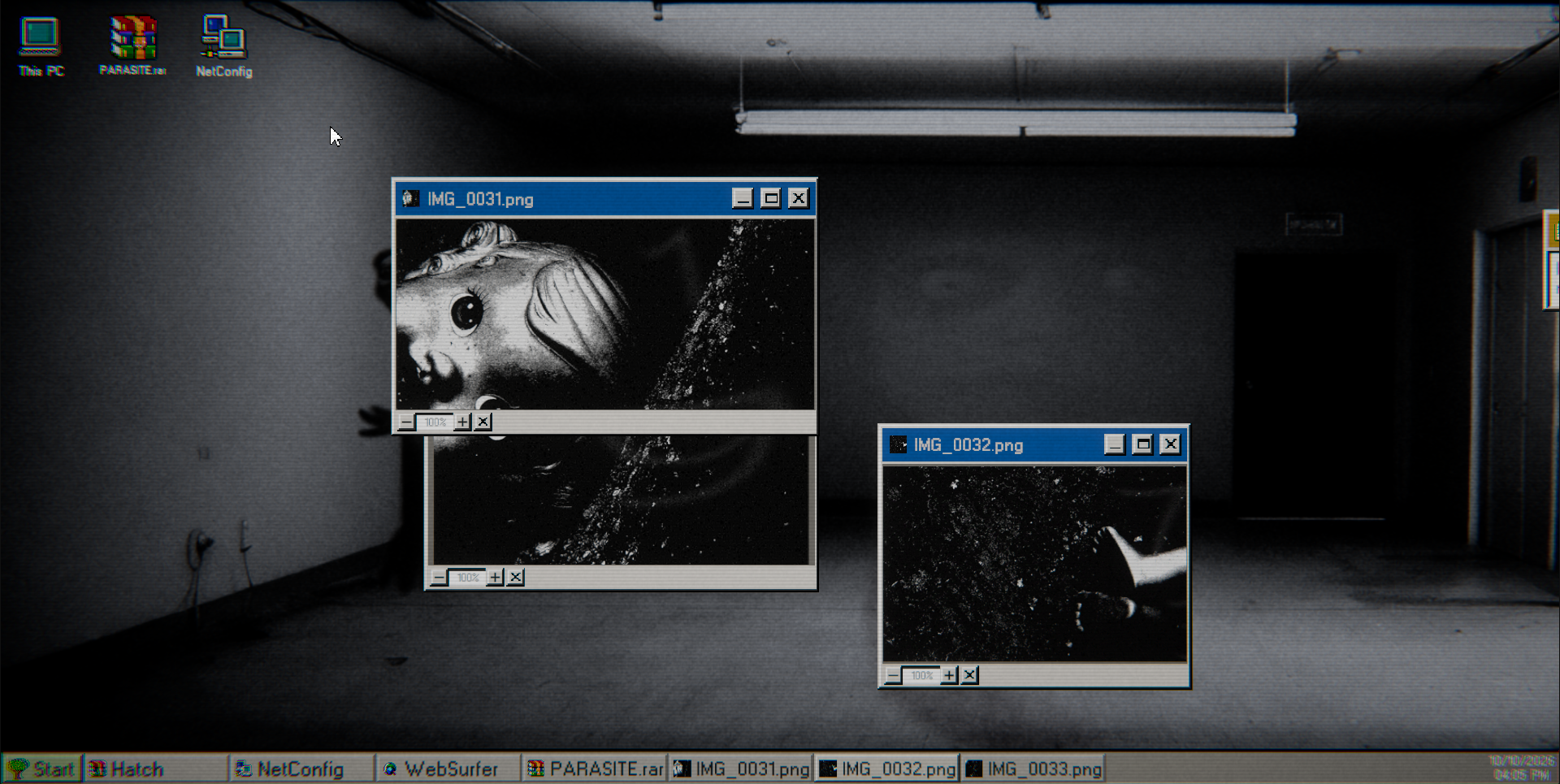
The password was "INFESTED". Here you find 4 images which have something hidden in them.
The doll
When you arrange the images in a way that they match, you get 4 numbers - "7319".
INDEX
Use the numbers to find matching letters using the Archive Index.
Hatch
The password was "GATE". Open the installer and proceed.
NetConfig
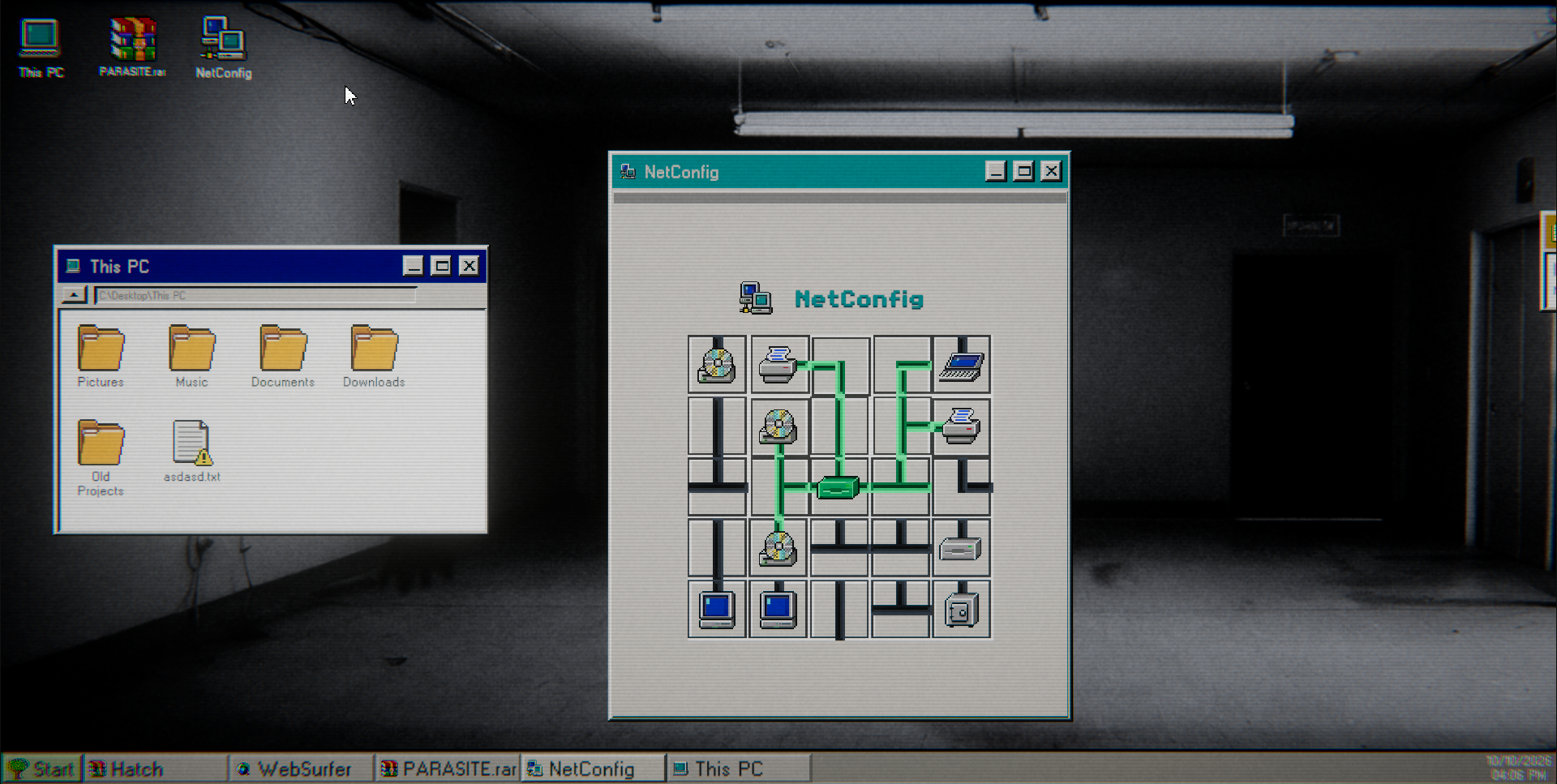
Open the new app on your Desktop. Here you have to solve 3 puzzle levels. Every tile needs to be lit up.
The address
After solving the puzzle, you get IP address - "203.0.113.86. Type it in the browser."
Final file upload
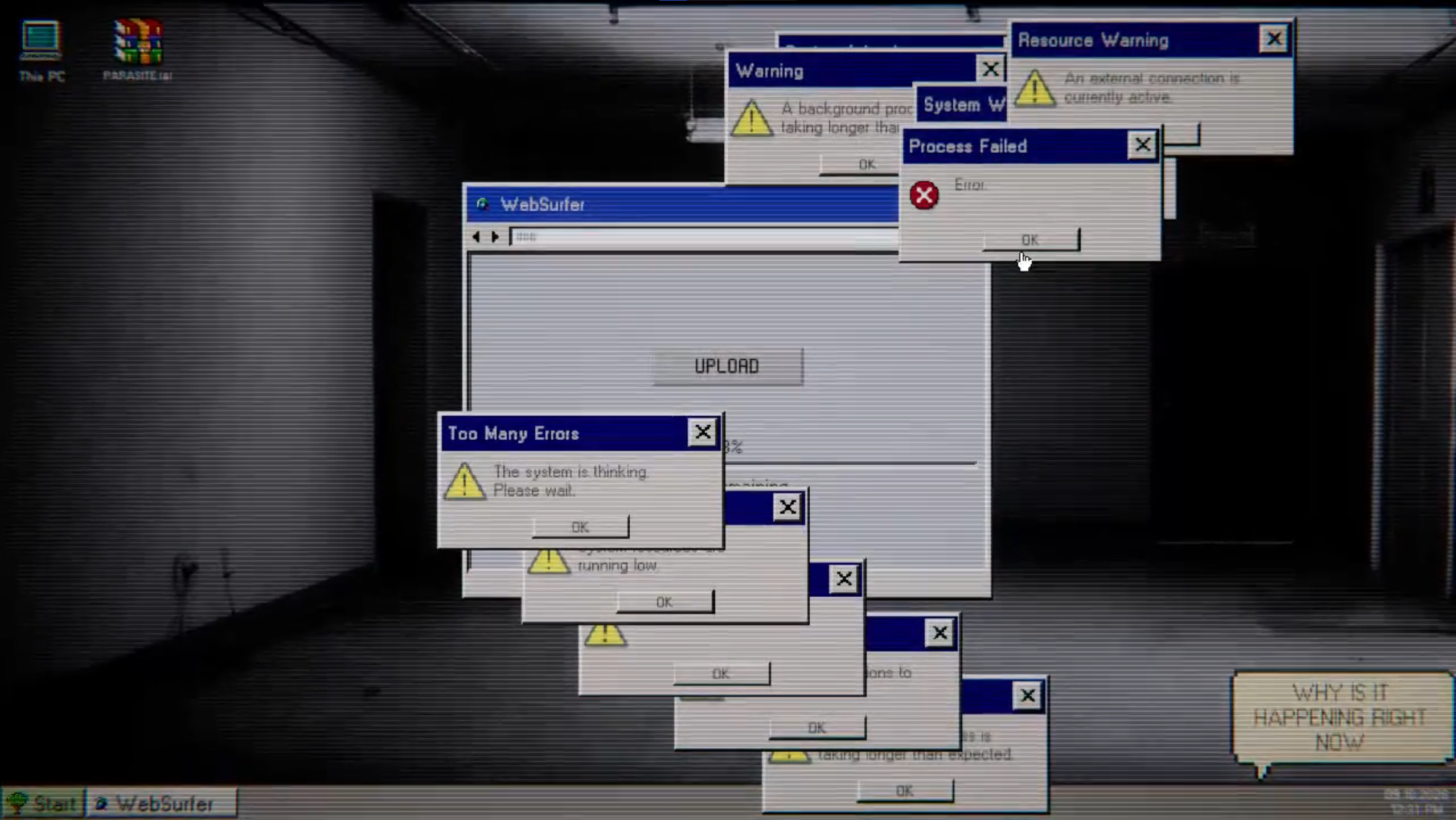
Now you have to survive the error attack. Close the errors as soon as they appear. The longer they stay on-screen the more unstable it gets. More errors = faster death. TIP: Prioritize older errors as they are more dangerous and cause more instability than the ones that just appeared, so don't leave any hanging.
The End
You've reached the end. This is it. Thanks for playing!
Credits
https://pixabay.com/sound-effects/musical-dark-ambient-synth-67781/
https://pixabay.com/sound-effects/musical-dark-synth-165100/
https://pixabay.com/sound-effects/musical-dark-atmospheric-ambience-247698/
https://pixabay.com/sound-effects/musical-nervous-rhythmic-drivers-02-120843/
https://pixabay.com/sound-effects/film-special-effects-bubble-pop-283674/
https://pixabay.com/sound-effects/technology-ui-click-deep-512211/
https://pixabay.com/sound-effects/film-special-effects-error-notification-09-206...
https://www.pexels.com/photo/scenic-view-of-alpine-lake-and-wooden-cabin-3974185...
https://www.pexels.com/photo/female-mallard-duck-floating-in-tranquil-river-3806...
https://www.pexels.com/photo/birds-eye-view-of-a-countryside-in-turkey-11123835/
https://www.pexels.com/photo/lamp-and-doors-in-empty-room-18132311/
https://unsplash.com/photos/a-statue-of-a-man-in-the-middle-of-a-forest-fiwhq-3v...
https://unsplash.com/photos/colorful-digital-glitch-static-pattern-0W4XLGITrHg
https://unsplash.com/photos/abstract-glitch-art-with-digital-data-corruption-u7D...
https://unsplash.com/photos/colorful-static-on-a-television-screen-hJDDkxFJlSc
https://unsplash.com/photos/pixelated-abstract-background-with-purple-and-pink-h...
https://unsplash.com/photos/abstract-purple-and-blue-wavy-patterns-c0rDdPqS0mg
https://pixabay.com/pl/sound-effects/przera%C5%BCenie-scream-horror-sfx-490916/
https://www.pexels.com/photo/close-up-photo-of-dismantled-doll-7542718/
https://nimblebeastscollective.itch.io/nb-pixel-font-bundle-2
https://gdainti.itch.io/retro-computer-icons-set-110-icons
https://www.small-icons.com/packs/32x32-free-design-icons.htm
https://aspecsgaming.itch.io/pixel-art-cursors
https://greedy-toad.itch.io/pixel-desktop-icons-pack
Comments
Log in with itch.io to leave a comment.
The UI design of this is really nice but it was honestly a bit frustrating to play:
Very unintuitive start that unfortunately keeps ups: I don't know how you are supposed to know to search "Diagnosis" to properly begin - did I miss something in the files? I had to have the walkthrough open the whole time just to know where to go next.
The password input feels weird as well: The first password Hidden in the notepad was good but every other one after that seemed to not register on the first attempt - I actually got all of the locked file passwords on my own but for whatever reason I was always told it was incorrect until I either restored the game or refreshed the tab - so I would constantly be checking the walkthrough for information I already had.
The Morse Code section was great, thankfully I was told from the get go to search the guide chart but again how liberal is the search terminology if that bit of information was not provided up front?
The pipe puzzle was a fun little section as well - no complaints about it: I might have just been stupid to not realise I was supposed to search the IP Address rather than using the command prompt.
The picture code puzzle was ok but the 1 looks more like a 7 to me which really tripped me up until yet again I checked the walkthrough to see if I was just going crazy - I naturally wanted to see if combining the windows a certain way was part of it but not really, could be a fun idea for the future?
Lastly the popup attack is the most annoying section mainly due to the length and lack of feedback - I wasn't sure if I was making any actual progress it was that long but I powered through it, would recommend shortening it just a little or provide an indication that you are progressing.
I appreciate you didn't have a lot of time to do the story but honestly it's good enough for me. It was short, simple and open to interpretation.
There's a promising game here if you keep at it - if this was a quick project for a jam then fair play but I did not have a good time playing. I hope to see it improve in the future and I will come back to see at some point :)
Early game spoilers!
What does this read?
Actually it's just a watermark image author put there. Now thinking about it, yeah it could be misleading
Oh. That was the only thing I'd found so far and I very much thought it was a hint or a password to something. Well, back to the drawing board, because now I'm back to having nothing at all.
There's a walkthrough now if you need it
I admit that the more it veered into horror, the more I bounced off it; eventually I got a little stuck and accepted it as a sign to step away. Not a fault of the game; just not my genre.
I will say that restarting was helpful, because that error box came up and I might have dismissed it too quickly, the way you kind of always just click "yeah whatever" on system warnings. Once you've dismissed it, it's really hard to get anywhere at all. You might want to make that recur every so often, so someone like me can take the hint that it's important.
...ok, one more followup, since I looked at the walkthrough to see where I got stuck.
Re "Archive's Desktop": I certainly saw the word when I zoomed in on the photo. It wasn't clear to me, though, that that was different than the actual wallpaper; I thought it was just clearer, and said, oh, ok, now I know what the wallpaper says. So it didn't totally stand out as important.
Given that, though: I did have the word, but it wouldn't have occurred to me to use it as a password for one of the locked folders. It might just be a difference in perspective--maybe other people have more of a "when I find a potential password, I'll try it everywhere" approach. I was looking for something that would tie what I found to the place I needed to use it.
Different people like different things though. Hope this finds its audience!